

Why E-Commerce Bookkeeping Is Uniquely Complex
E-commerce bookkeeping looks simple on the surface — products sold, money received, expenses paid. In practice, it's one of the most technically demanding bookkeeping environments for small businesses.
The complexity comes from multiple layers: revenue from multiple platforms (Shopify, Amazon, Etsy, your own website), sales tax obligations across 45+ US states plus Canada, inventory cost tracking, platform fees and chargebacks netted against gross revenue, and currency conversion for international sales.
Get these wrong and you'll have inaccurate financial statements, understated tax liabilities, and a mess that takes months to untangle.
The Core Bookkeeping Challenges for E-Commerce Businesses
1. Recording Revenue Correctly: Gross vs. Net
The biggest mistake e-commerce sellers make is recording what hits their bank account (net payout after fees) as revenue, rather than gross sales.
The correct approach:
- Record gross revenue (total sales before deductions)
- Record platform fees (Shopify fees, Amazon FBA fees, PayPal fees) as separate expenses
- Record chargebacks and refunds as separate line items
- The difference reconciles to your bank deposit
Why does this matter? Because your gross margin calculation, COGS analysis, and accurate profit picture depend on seeing the full revenue picture — not just the net amount deposited to your bank.
2. Inventory and Cost of Goods Sold (COGS)
For businesses that sell physical products, inventory tracking is essential and legally required for proper financial reporting. COGS affects:
- Your gross margin (the most important profitability metric for product businesses)
- Your income tax liability (inventory not sold is not deductible)
- Your balance sheet (inventory is a current asset)
Two common inventory methods:
FIFO (First In, First Out): The oldest inventory is assumed to be sold first. Generally produces the highest taxable income in inflationary environments, but matches physical reality for most perishable or dated goods.
Weighted Average Cost: All units are averaged together. Simpler to administer, widely used for businesses with high SKU counts.
Talk to your CPA about which method is appropriate for your business. Once elected, changing methods requires CRA/IRS approval.
3. Sales Tax: The Multi-State, Multi-Province Problem
This is where most e-commerce businesses have the most unrecognized exposure.
Canadian GST/HST: If you sell to Canadian customers and your worldwide revenue exceeds $30,000 CAD, you must charge and remit GST/HST (and QST in Quebec). The rate depends on the province the customer is shipping to.
US State Sales Tax: Post-Wayfair, you owe US sales tax in any state where you exceed $100,000 USD in annual sales or 200 transactions. With 45 taxable states, each with different rates and product taxability rules, this is a significant compliance burden.
Recommended approach for e-commerce: Use automated sales tax software (Avalara, TaxJar, or QuickBooks Automated Sales Tax) connected to your platform. These tools calculate rates in real-time and generate filing reports by state.
4. Multi-Currency and International Sales
If you sell to customers in multiple countries, you'll deal with currency conversion in your bookkeeping. Best practices:
- Record transactions in the transaction currency (e.g., USD for US sales, GBP for UK sales)
- Your accounting software converts to your functional currency (CAD or USD) at the date of transaction
- Recognize realized FX gains or losses when foreign currency settlements clear
- Recognize unrealized FX gains or losses at period-end for any outstanding foreign currency balances
Both QuickBooks Online and Xero handle multi-currency well when configured correctly.
5. Reconciling Platform Payouts
Shopify, Amazon, and other platforms pay out on schedules (daily, weekly, or bi-weekly) and net out various fees before depositing. This creates a reconciliation problem — your bank deposits rarely match your sales amounts directly.
The right reconciliation process:
- Download the detailed settlement report from each platform for each payout period
- Record gross sales, platform fees, refunds, and chargebacks separately in your accounting software
- Confirm the net amount matches your bank deposit
- Repeat for every payout
This process, done consistently, gives you accurate COGS, correct fee expenses, and a clean audit trail.
Essential Chart of Accounts for E-Commerce
Your chart of accounts should include these e-commerce-specific accounts:
Revenue:
- Product Sales — Shopify
- Product Sales — Amazon
- Product Sales — Other Platforms
- Shipping Revenue (if billed separately)
Cost of Goods Sold:
- Cost of Inventory Sold
- Shipping and Fulfillment Costs
- Amazon FBA Fees
- Packaging
Expenses:
- Platform Fees (Shopify Monthly, App Subscriptions)
- Payment Processing Fees (Stripe, PayPal)
- Advertising (Meta, Google, TikTok)
- Returns and Chargebacks
- Warehousing
QuickBooks vs. Xero for E-Commerce
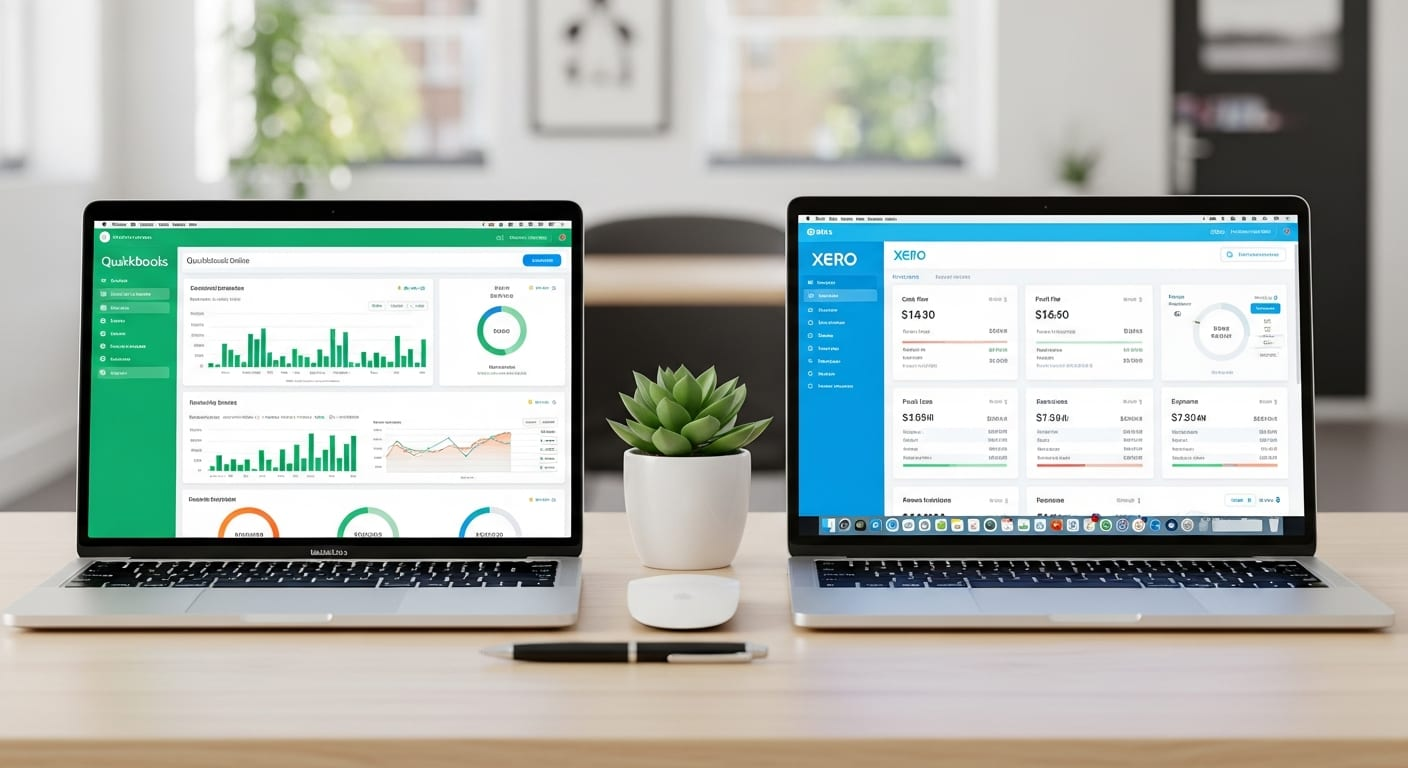
QuickBooks Online integrates directly with Shopify, Amazon, and WooCommerce via apps like A2X, which automatically fetches and categorizes settlement data. QBO's automated US sales tax feature is particularly valuable for US-selling e-commerce businesses.
Xero also integrates with e-commerce platforms via A2X and similar connectors. Its multi-currency features are stronger at lower plan tiers, making it a better fit for Canadian sellers with significant international volume.
We typically recommend QuickBooks Online for businesses primarily selling to the US, and Xero for Canada-first e-commerce businesses.
How North Ledger Handles E-Commerce Bookkeeping
We specialize in multi-channel e-commerce bookkeeping for Shopify, Amazon, Etsy, and WooCommerce sellers across Canada and the US. Our service includes:
- Monthly reconciliation of all platform payouts
- COGS tracking and inventory valuation
- Sales tax compliance monitoring (Canadian and US)
- FX gain/loss tracking for international sales
- Monthly P&L with gross margin by channel
Book a free call to discuss your e-commerce bookkeeping needs.
Further Reading
- US Sales Tax for Canadian Businesses Selling to American Customers: The post-Wayfair economic nexus rules that apply to every Canadian seller with US customers — broken down state by state.
- Accounts Payable vs. Accounts Receivable: Platform payouts affect your AR — here's how AP and AR interact in an e-commerce context.
- Complete Guide to GST/HST for Canadian Small Businesses: Canadian e-commerce businesses must manage both GST/HST and US sales tax — here's the Canadian side of that equation.